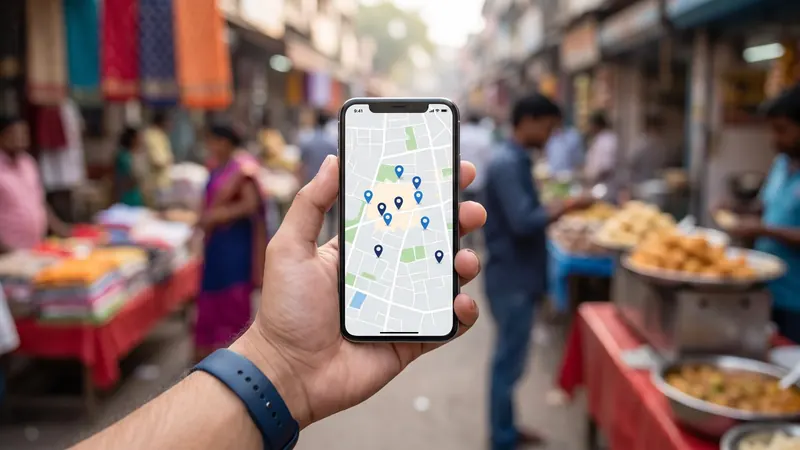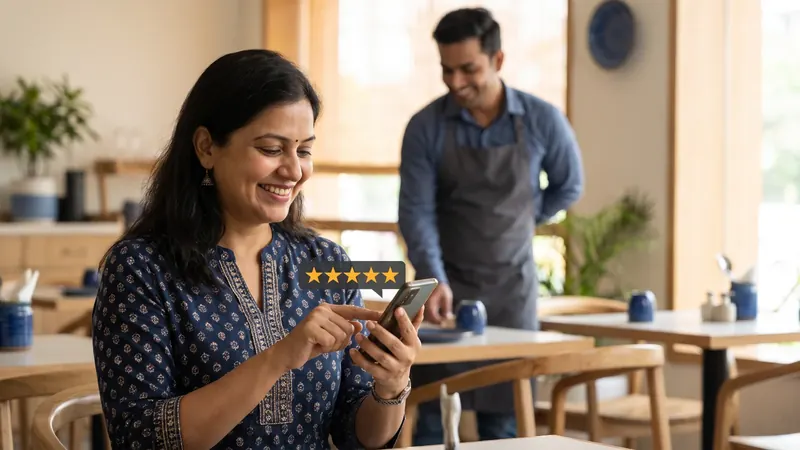
Most business owners already know reviews matter. They see it themselves: when choosing between two clinics or two sweet shops on Google Maps, they look at the stars and read a few reviews before deciding. Google also says that review count and rating are part of how prominent a business appears in local results.
What people find harder is actually getting reviews. Happy customers rarely think to write one. Unhappy customers often do. This guide is about closing that gap, honestly and within Google's rules.
Why most businesses have too few reviews
It is rarely because customers are unhappy. Usually it is one of these:
- Nobody asks.
- When someone does ask, it is at the wrong moment (as the customer is rushing out).
- The customer is willing but does not know how, and gives up after searching Maps.
- The business asks once, gets a few reviews, and stops.
Each of these has a simple fix.
Step 1: Get your direct review link
In your Google Business Profile, look for the option to ask for reviews or share a review form. Google gives you a short link that opens the review box directly. This one link removes most of the friction. Save it on your phone, in WhatsApp quick replies, and with every staff member who talks to customers.
Turn the same link into a QR code and print it:
- On a small standee at the billing counter
- On table cards in a restaurant
- On the back of visiting cards and bills
- On packaging and delivery slips
- On the waiting-room wall of a clinic
Step 2: Ask at the right moment
Timing matters more than wording. Ask when the customer is happiest:
- When a patient says "thank you, doctor, I feel much better"
- When a family collects a wedding order and loves it
- When a student's parent thanks you for results
- When a customer compliments the food
- Right after a repair or installation is finished and working
A simple, sincere request works: "We're a local business and reviews really help us. If you're happy, would you mind leaving a quick review on Google? I'll send you the link on WhatsApp."
Step 3: Make it a habit, not a campaign
Ten reviews in one week and then nothing for a year looks odd and does little. A steady trickle of reviews over months looks natural and keeps your profile fresh. Build the request into your routine:
- Staff ask every satisfied customer at billing or handover
- A WhatsApp message with the link goes out after every completed order or appointment
- The owner checks weekly how many new reviews came in
Step 4: Reply to every review
Replying shows future customers that a real person runs the business and cares. It also encourages more people to review, because they can see reviews are read.
For positive reviews, keep it short and specific. Mention what they liked:
For negative reviews, stay calm and professional:
- Thank them for the feedback.
- Acknowledge the problem without arguing.
- Apologise where it is genuinely deserved.
- Offer to fix it and move the conversation to a call or message.
- Never reveal private details about the customer.
Future customers read your replies to negative reviews more carefully than the reviews themselves. A calm, helpful reply can actually build trust.
What Google does not allow
Google's policies prohibit several practices that some businesses still try. Avoid all of them:
- Fake reviews, including reviews written by the owner, staff or family pretending to be customers.
- Buying reviews from any service.
- Incentives, such as discounts, free items or cashback in exchange for a review.
- Review gating, which means asking only happy customers for reviews while steering unhappy ones elsewhere. Google's guidance says you should not discourage negative reviews or selectively ask for positive ones.
- Reviewing competitors negatively.
- Bulk review drives from people who never used your business.
Breaking these rules can lead to reviews being removed or restrictions on your profile. Even when it is not caught, customers often recognise fake reviews and trust you less for them.
The safe approach is simple: ask every genuine customer, make it easy, and reply to everyone.
Handling a fake or abusive review
Sometimes you will get a review from someone who was never a customer, or one that is abusive or clearly off-topic. You can report it through Google Maps or your Business Profile. Google decides whether it breaks policy. While you wait, reply politely and factually, for example noting that you have no record of the visit and inviting the person to contact you. Do not get pulled into a public argument.
Use reviews beyond Google
Good reviews are useful marketing in other places too, with the customer's permission:
- Turn them into simple branded posts on social media
- Add a few to your website, near your contact details
- Use them in festival or admission campaigns
- Share them with staff; it is good for morale
How many reviews do you need?
There is no magic number. What matters is how you compare with similar businesses near you and whether your reviews are recent. If the three clinics near you have 40, 60 and 90 reviews and you have 6, you have a clear target. A steady flow of new reviews every month is more valuable than a big number from years ago.
A simple weekly routine
- Monday: check new reviews and reply to all of them
- Every day: staff ask satisfied customers and share the link
- After every order or appointment: send the link on WhatsApp
- Monthly: note how many new reviews you received and your average rating
Small towns, big advantage
In towns like Modinagar, Hapur and Bulandshahr, many businesses still have very few reviews. A shop that steadily collects genuine reviews can stand out quickly in Maps results for its category. Combine it with a complete profile using our Google Business Profile tips and the wider steps in our local SEO guide.
If you would rather hand this over, ArcBig's Google Business Profile management includes setting up the review process, QR codes and replies to every review.
Frequently asked questions
How can I get more Google reviews for my business?
Get your direct review link from your Google Business Profile, share it on WhatsApp and as a QR code at your counter, ask every satisfied customer at the right moment, and reply to every review.
Can I offer a discount for a Google review?
No. Google's policies do not allow incentives in exchange for reviews. Ask genuinely and make it easy instead.
Should I reply to negative reviews?
Yes, calmly and politely. Acknowledge the issue, offer to fix it privately and never argue or share customer details.
Can I delete a bad review?
You cannot delete reviews yourself. If a review breaks Google's policies, such as fake or abusive content, you can report it, and Google decides whether to remove it.
Do Google reviews help my ranking on Maps?
Google says review count and rating contribute to how prominent a business appears in local results, alongside relevance and distance. They also strongly influence whether searchers choose you.